
Workflows
AI-powered workflow automation
Automate your team's processes with custom AI-powered workflows. Save time, increase productivity, reduce manual tasks, and scale with ease.

 When a project moves to ReviewinProject

 Split in paths2 branches
 Budget over $10,000Needs sign-off
 Email the account managerSign-off requestedSet approval to PendingProjectOtherwiseStandard projectEmail the clientReady for your review
In this run, Brand refresh moves to Review (Budget: $18,450), so the workflow takes the “Budget over $10,000” path: email the account manager, then set approval to Pending.
Your flexible, easy-to-use automation solution
Task automation
Powerful workflow automation to save time
Save hours by setting up workflows in minutes. Automate everything from email approvals and updates to webhook integrations and AI-powered actions like smart summaries and ChatGPT prompts.
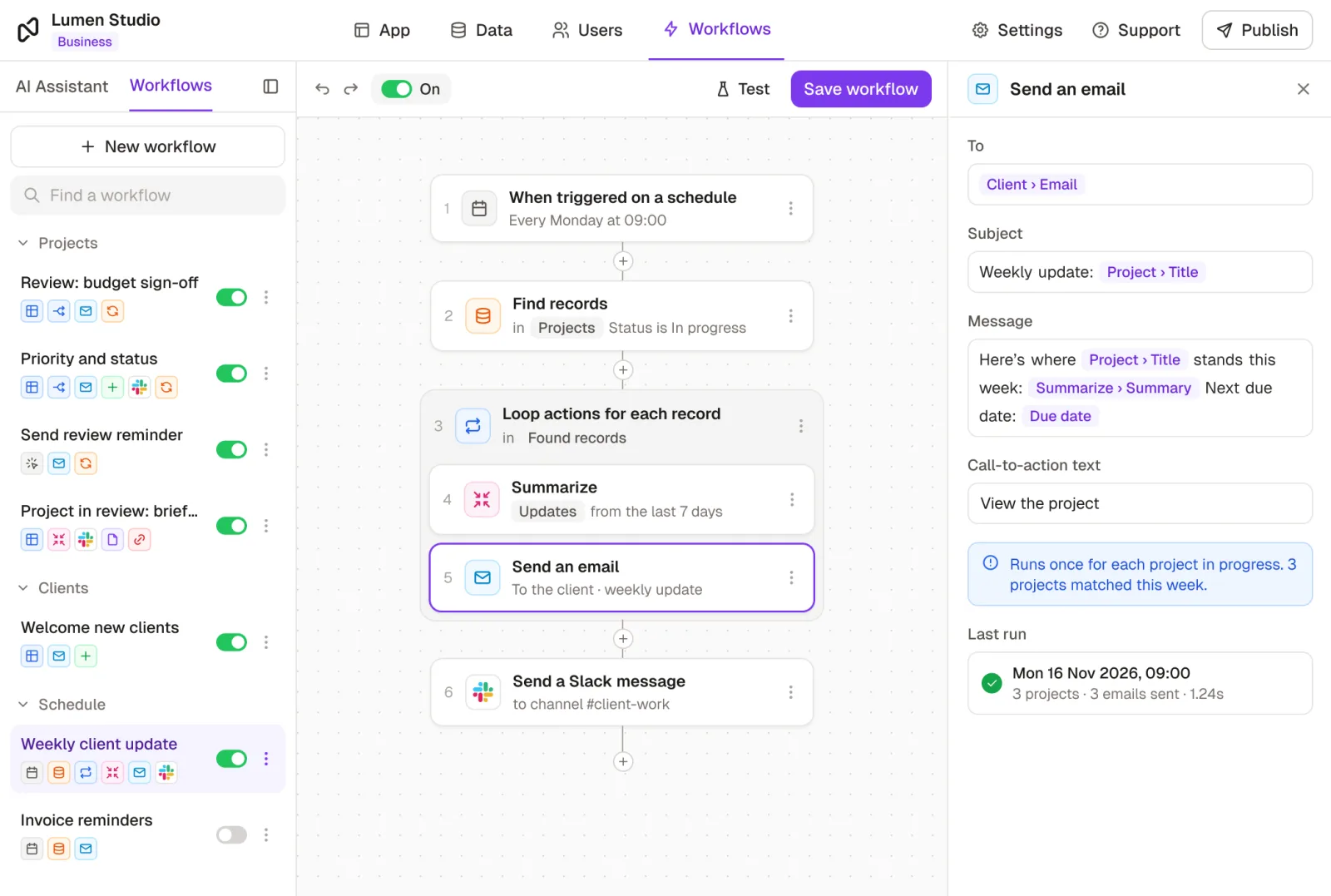
Rules-based automation
Conditional logic for smarter operations
Automate actions based on specific data changes. For example, trigger a workflow only when a priority level is updated or a status changes to “Complete”.
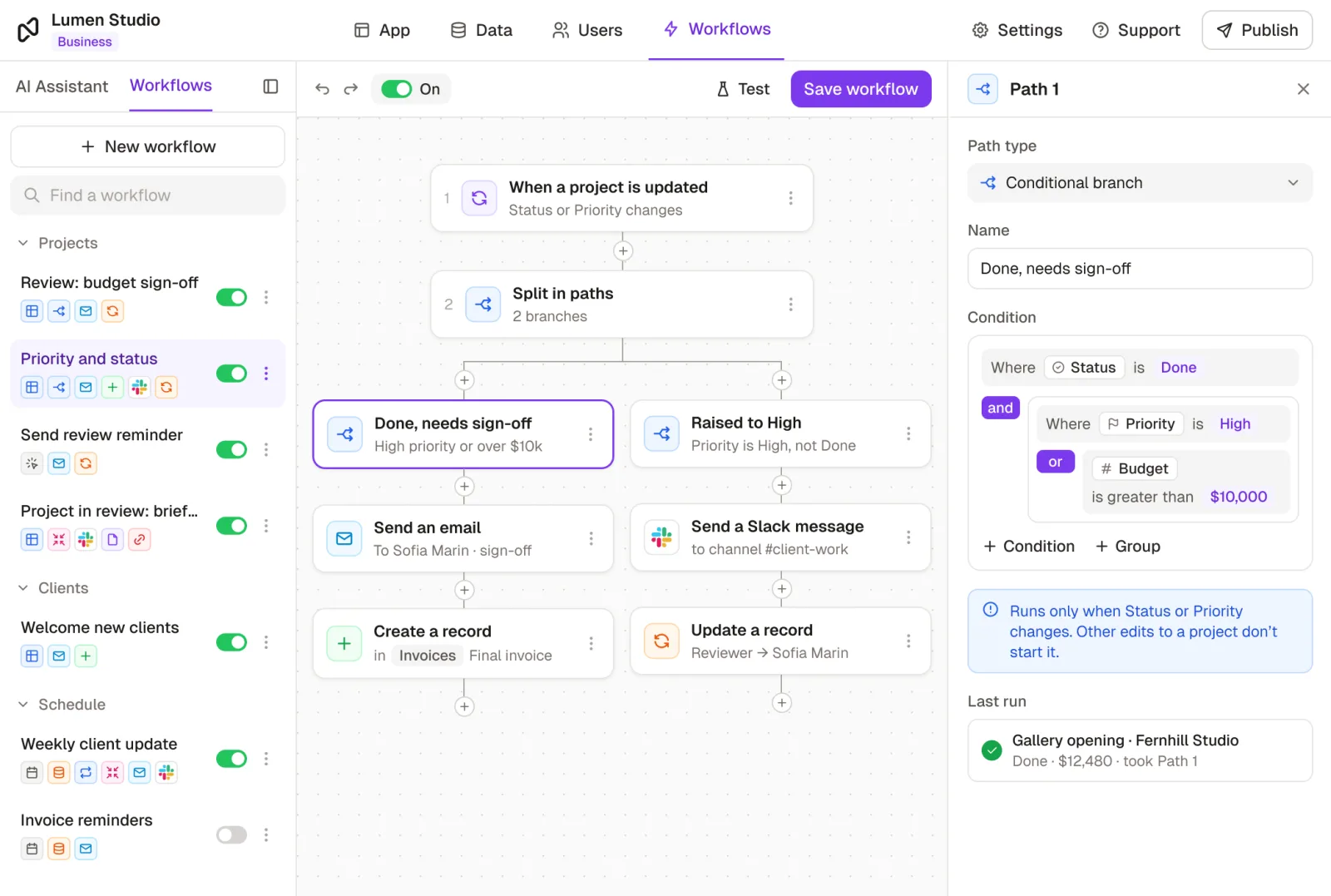
On-demand workflows
Trigger workflows in one click
Let your team or customers trigger workflows with a single click. Add a button to a record page that activates an on-demand workflow, like sending a registration reminder email.
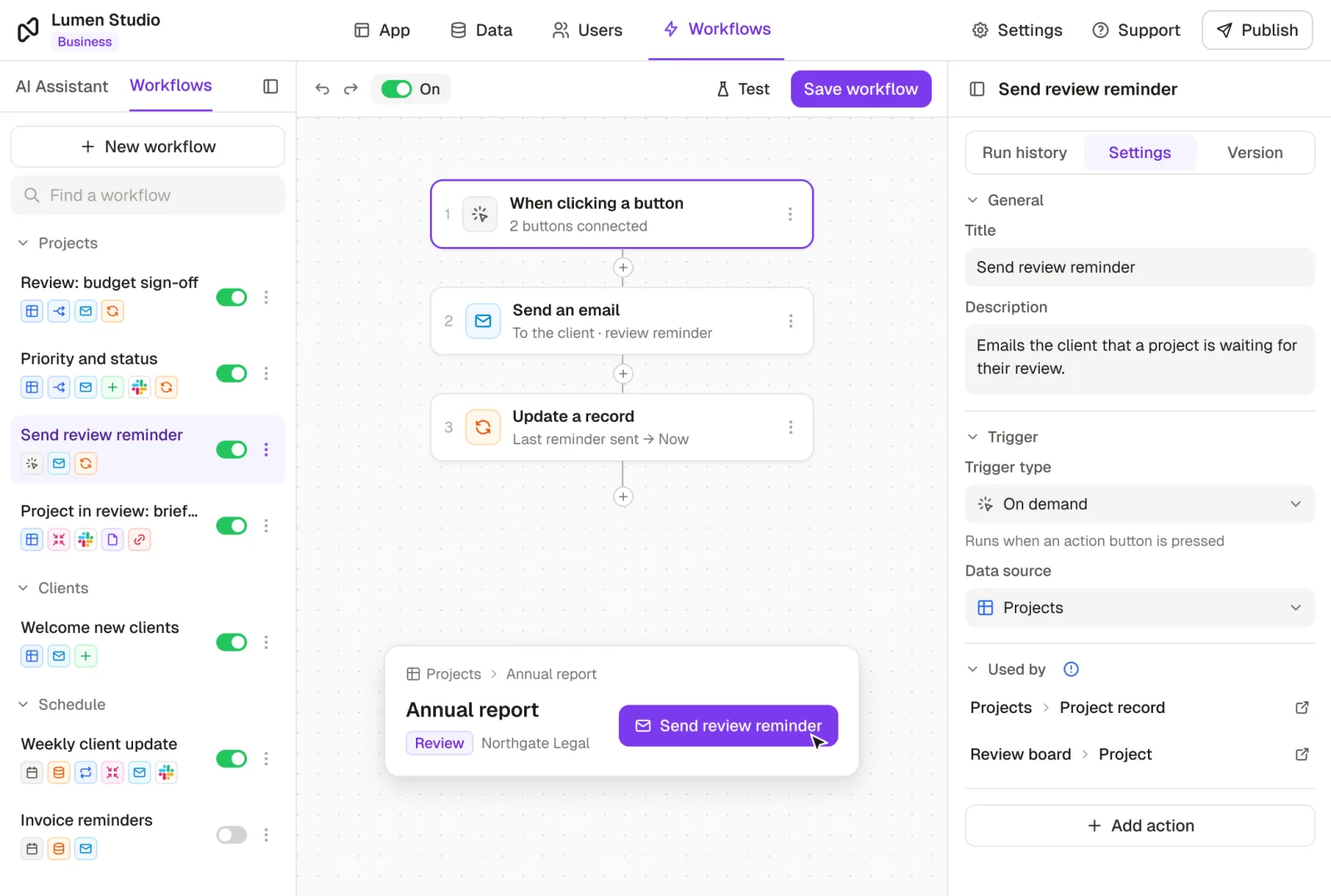
Third-party app integrations
Integrate with the apps you love
Skip the tedious back-and-forth between apps. Connect Rowmesh to your existing apps via webhooks or Zapier for an efficient workflow.
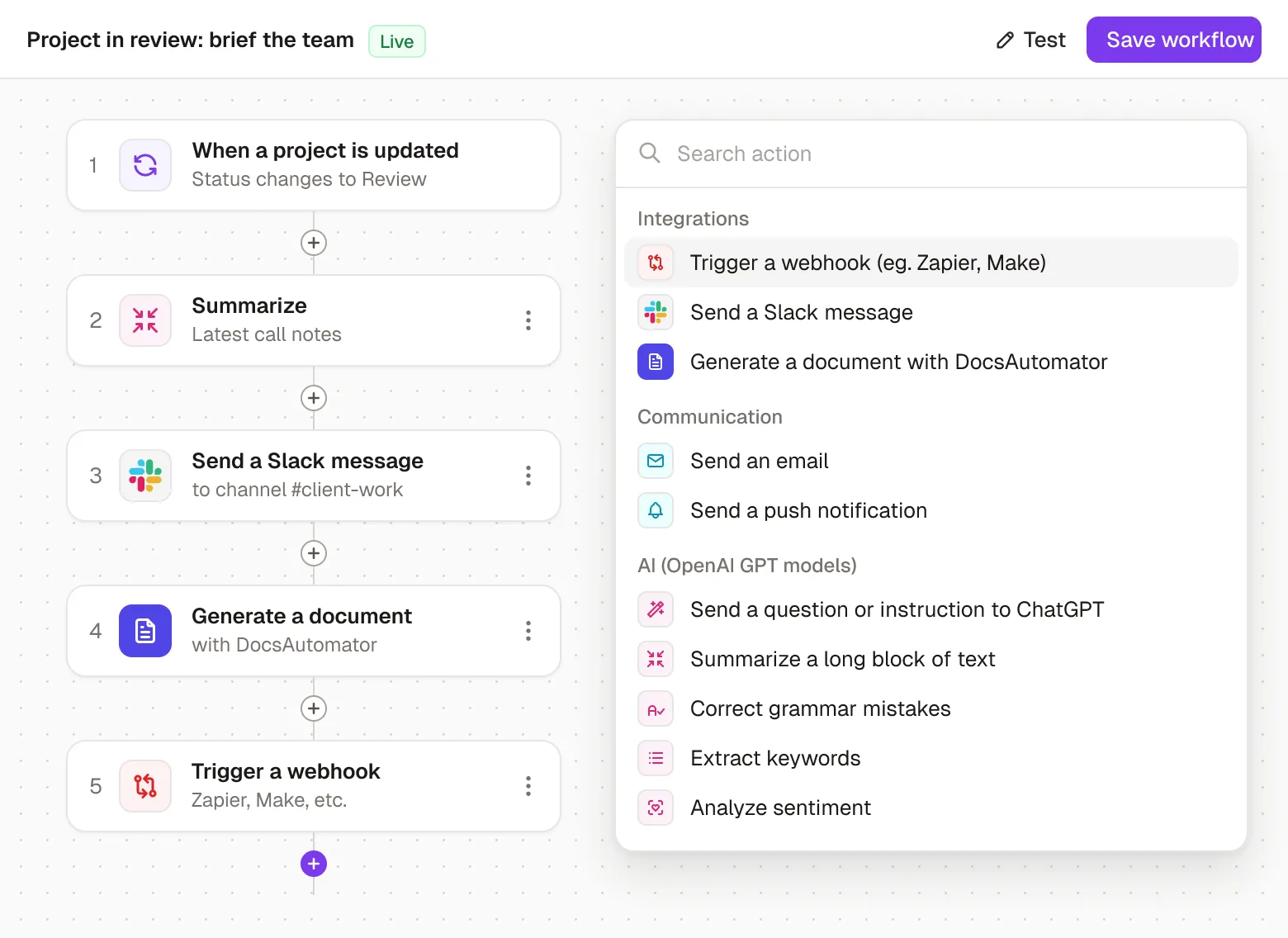
Integrations
Works with the tools your team already uses
 Airtable
 Asana
Asana Basecamp
 Buffer
 DocsAutomator
 Documint
 Dropbox
 Eventbrite
 Gmail
Gmail Google Calendar
 Google Drive
 Google Forms
 Google Sheets
 Harvest
 HubSpot
 Intercom
 Jira
Jira Mailchimp
 Make
Make monday.com
 MySQL
MySQL n8n
n8n OpenAI
 PayPal
 Pipedrive
 Postgres
 QuickBooks
 Slack
Slack SmartSuite
 Stripe
 Supabase
 Trello
 Vimeo
Vimeo Xano
Xano Xero
Xero YouTube
 Zapier
 Zendesk
Teams that automated the busywork
“With Rowmesh, we doubled cash flow, reduced delays, and created a unique selling point for winning new clients.”
 Matthew OatesPractice Leader, GAP Consulting
“Within two weeks, I had a working solution on Rowmesh. Building our platform with developers would have taken us around 6 to 8 months, maybe even a year. Thankfully I was able to build everything we needed within 2 weeks.”
 Roku BenzCo-Founder of Creobase
Customer stories
Teams building with it



Get more done (in less time) with automated workflows
Cut down on repetitive tasks with customizable workflows, tailored to you.
No credit card required