
Template
Project Management App
Help your team manage internal resources and deliver projects on time, every time.
Works with Airtable
About this template
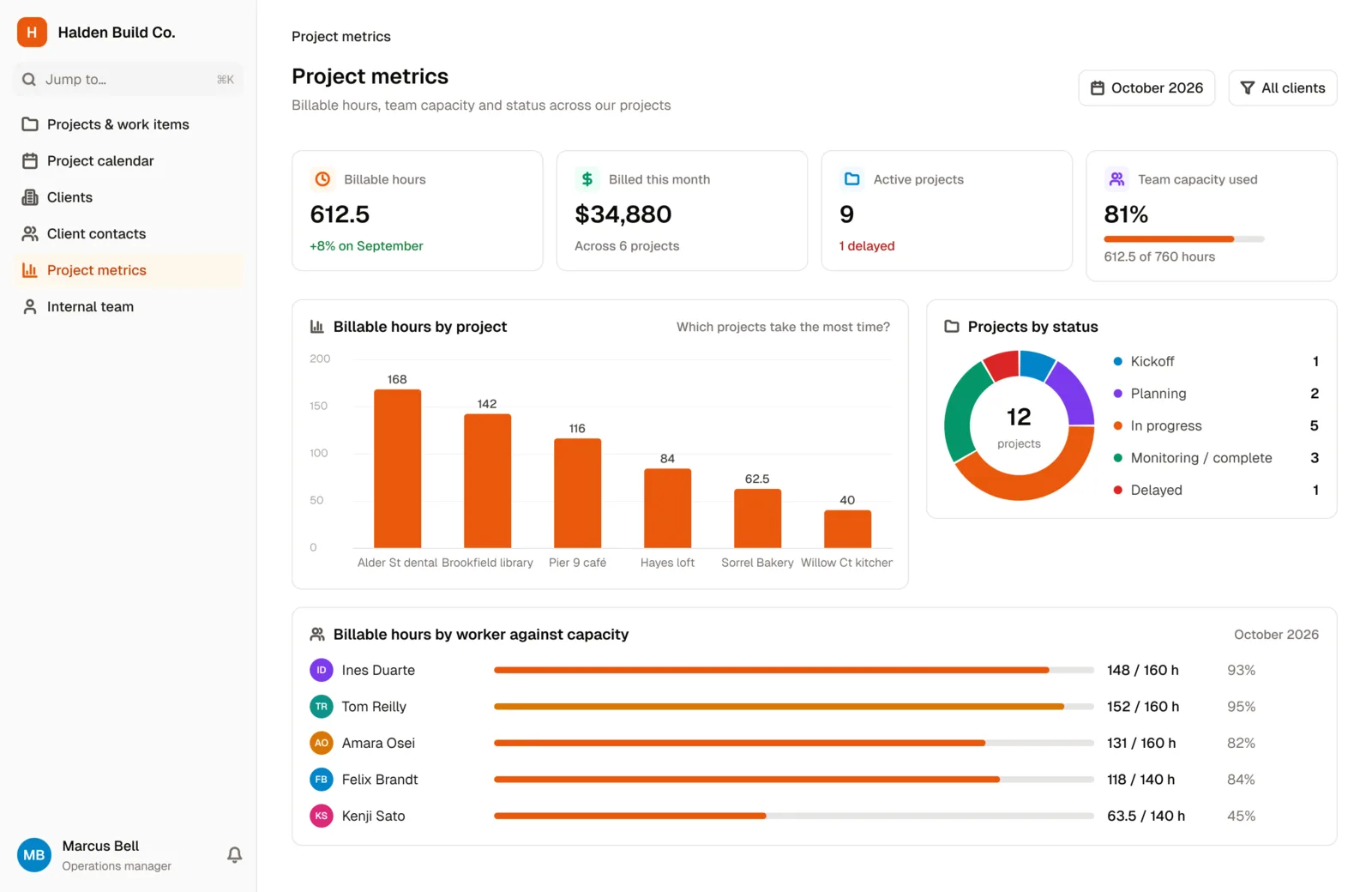
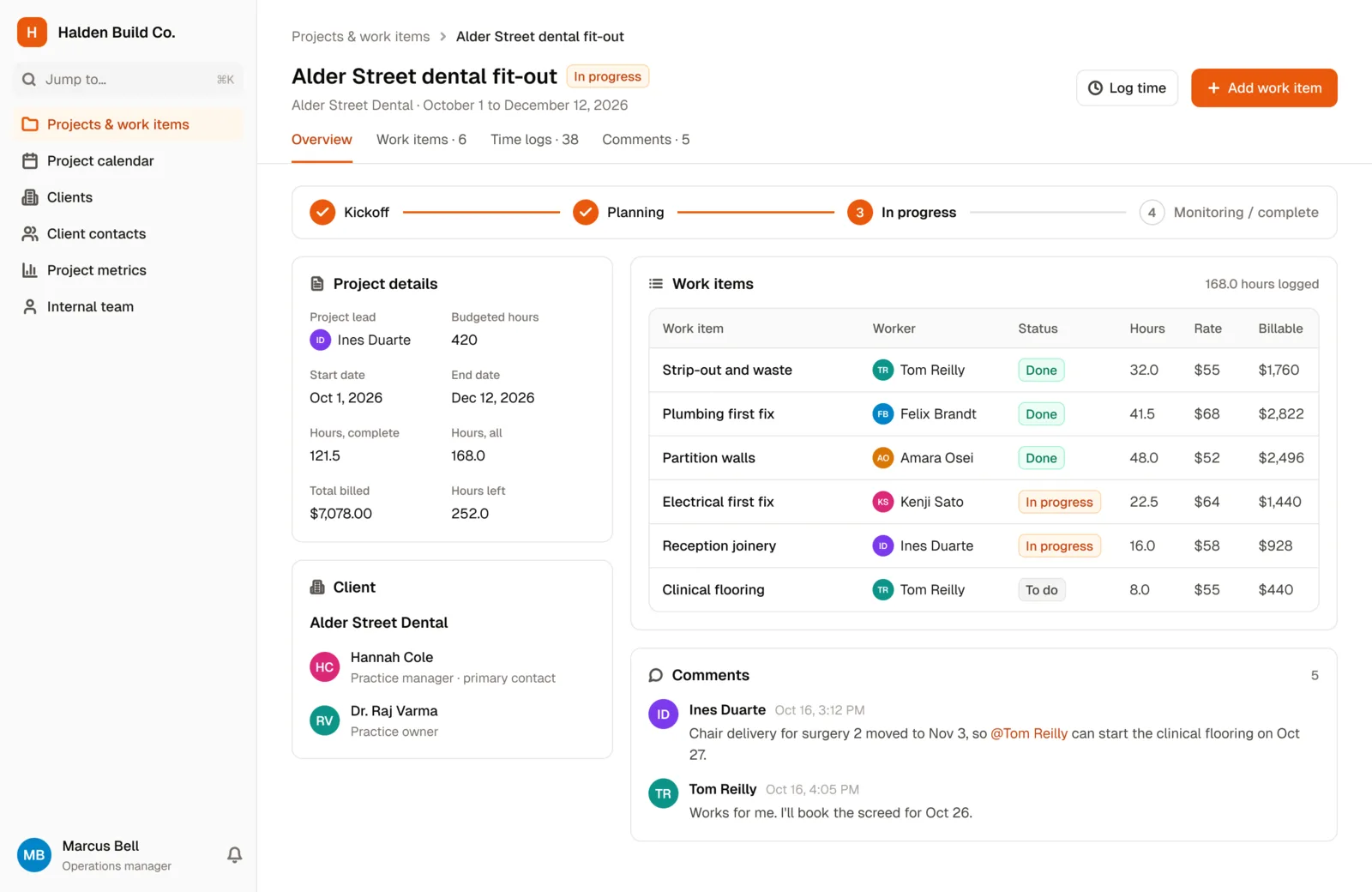
Our Project Management app template enables teams to effectively manage their internal resources, track billable hours and execute client projects on time.
A well-coordinated team is an invaluable asset when it comes to project management. This project resource management template maps out the workload of each of your team members, feeding them into the high-level view you need to keep everyone in step.
Keep track of your employees' hours worked across each of their projects. Track billable hours and employee rates against each work item within the project. Easily update or add information on the go with our mobile app.
By tracking team capacity in real time, it enables you to deploy the correct resources for your next upcoming project.
Use the calendar view to plot the projects in progress right through to their completion date. Measure the revenue impact your team is having via charts. Control visibility into work items between team members using user roles and permissions.
Adapt the template to suit your needs, all without writing a single line of code.
Who it's for
Any small to medium business that needs an adaptable internal project management tool to monitor employee capacity, track billable hours and deliver client projects consistently on time. This internal tool also gives you the ability to store client contact information, similar to a CRM.
Typical users are project managers and coordinators, professional services businesses, contractors and small business owners.
What's included
- Database collections for projects, work items, workers, clients and client contacts
- User roles for internal team admins, workers and managers
- Time tracking, commenting, a Kanban board view, worker capacity, and charts and dashboards
- Database permission rules so workers only see their own interactions with clients
- Ready-made forms for team members to add new projects and work items
- A ready-made email workflow that notifies the client's primary point of contact when a project is marked as completed
Why teams use it
- Make data-driven decisions when deploying project resources, with real-time visibility into your team's capacity
- Improve project collaboration with the built-in commenting feature
- Improve forecasting accuracy with time tracking
- Deliver work on time, eliminate client chaos and understand profitability, in one completely customizable app
Ready to try the Project Management App?
Start from this template and connect your own data, or explore the live demo first.
More templates
 Project Management
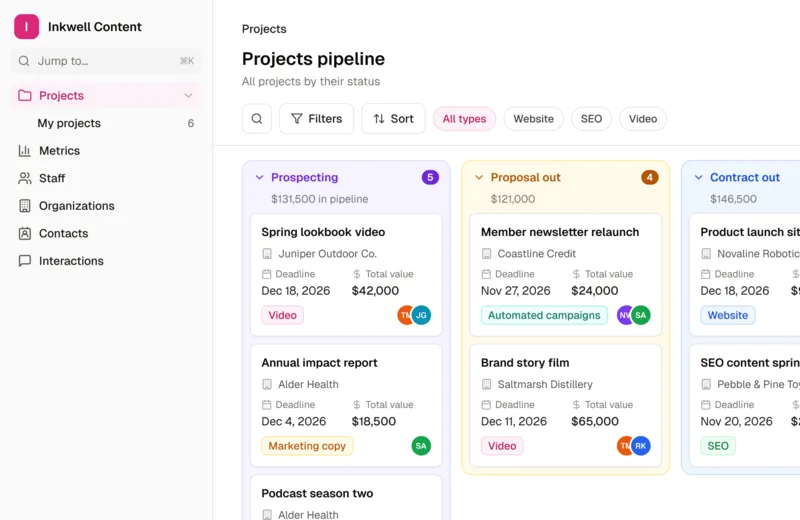
Content Production App
Manage multiple client projects at once, easily collaborate with internal and external stakeholders, and increase team productivity.
 Project Management
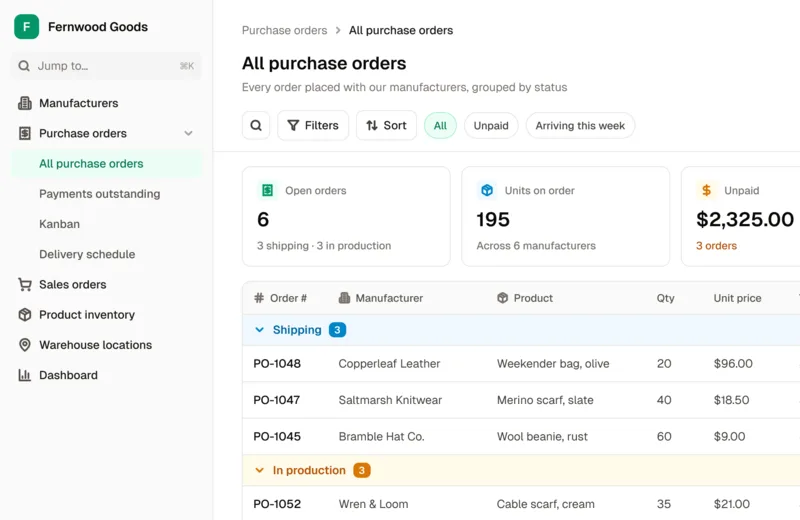
Inventory Tracking App
Manage your stock, orders, and manufacturer relationships with one powerful custom tool.
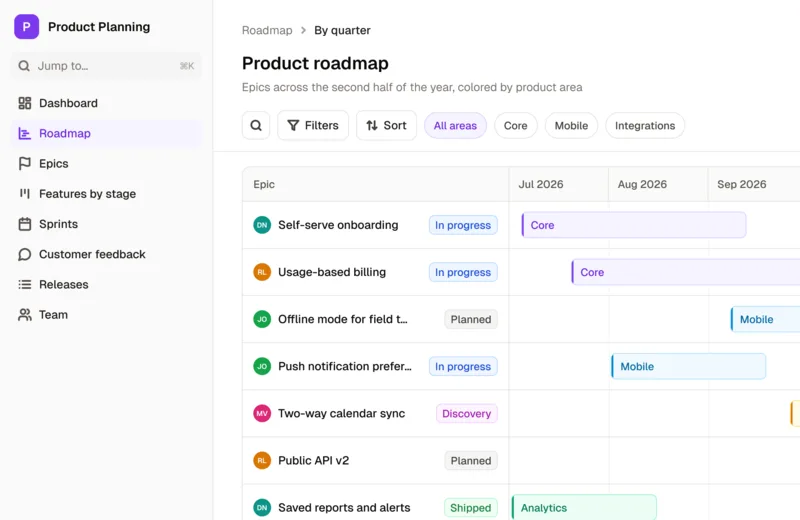 Coming soonProject Management
Product Planning App
Use this template to guide teams of all sizes through the product lifecycle process, from start to finish.
Build your portal today
Start free, connect your data, and invite your team.
No credit card required