
Template
Talent Matching App
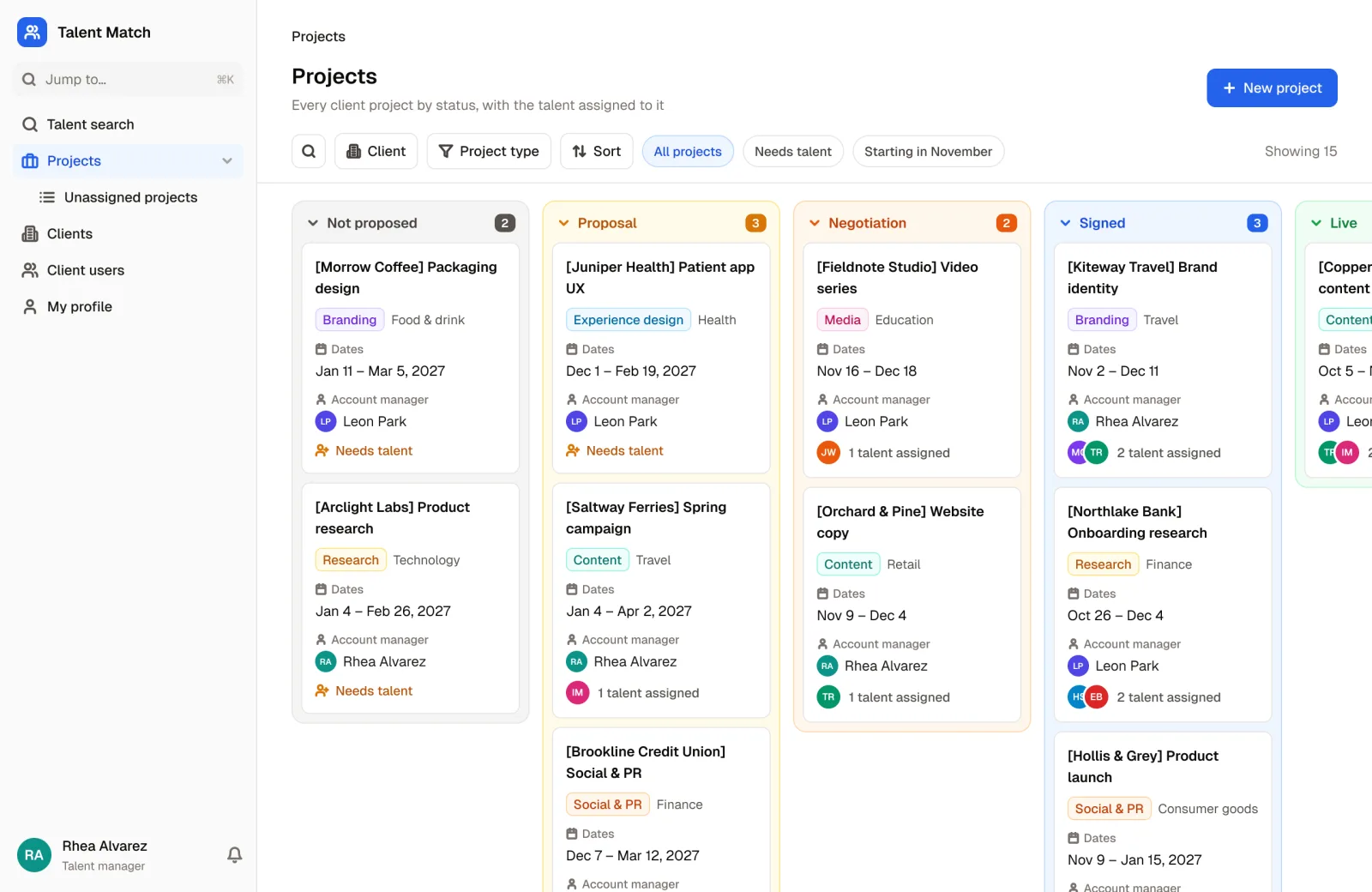
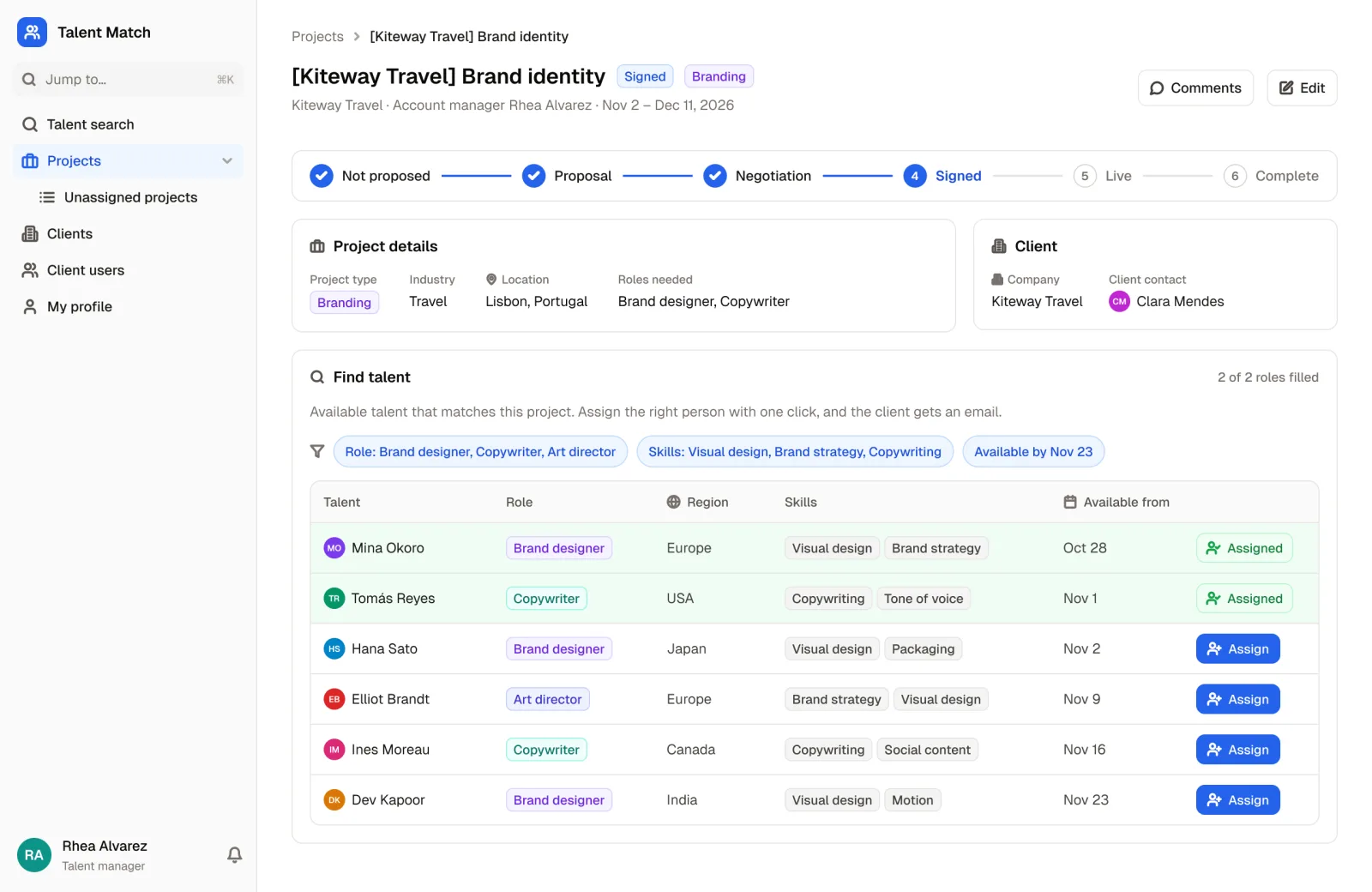
Identify, source and match the right talent to an open project or position. Let your team find talent with the perfect skill set, in record time.
Works with Airtable
About this template
Our Talent Matching template helps businesses meet their talent sourcing needs in record time. Use it internally at your own business, or as an agency helping external clients with their talent shortages.
Create a directory of talented candidates, the internal and external projects that need talent and, optionally, the external clients looking for candidates from your talent directory. Talent and clients collaborate on projects with built-in comments, and centralizing your information in one place does away with long email chains and shared spreadsheets.
Whether you're staffing a single project, a whole region or an entire business, the template finds available people by role, skills, location and current availability. It's perfect for project managers who need to run seamless projects and give agency leadership or external clients visibility into the projects being worked on.
Who it's for
Designed with advertising, content creation, digital marketing, social media and public relations companies in mind, though any company with talent sourcing needs, whether permanent, part-time or freelance, can use it.
Typical users are external talent seeking work, internal talent matching agency team members, project managers, and external client employers seeking talent.
What's included
- Database collections for talent, projects and clients
- User roles for internal team admins, talent and clients (scouts)
- Permission rules so talent only see their own record, the clients they work for and their own projects, while clients can review the whole talent directory and their own projects, but no other client's information
- Visibility rules that show each kind of user the right areas of the app: talent see projects and the clients they work for, clients see all talent and their projects, and internal team admins see everything
- Ready-made forms for team members to add new talent, and for clients to add new projects
- A one-click action button to assign the right talent to an open project
- A ready-made workflow that emails clients when their project is assigned new talent
Why teams use it
- Reduce time to hire
- Shorten project cycle length
- Decrease time to revenue
- Increase visibility into projects
- Improve the client experience
Ready to try the Talent Matching App?
Start from this template and connect your own data, or explore the live demo first.
More templates
 HR & Recruiting
Applicant Tracking System
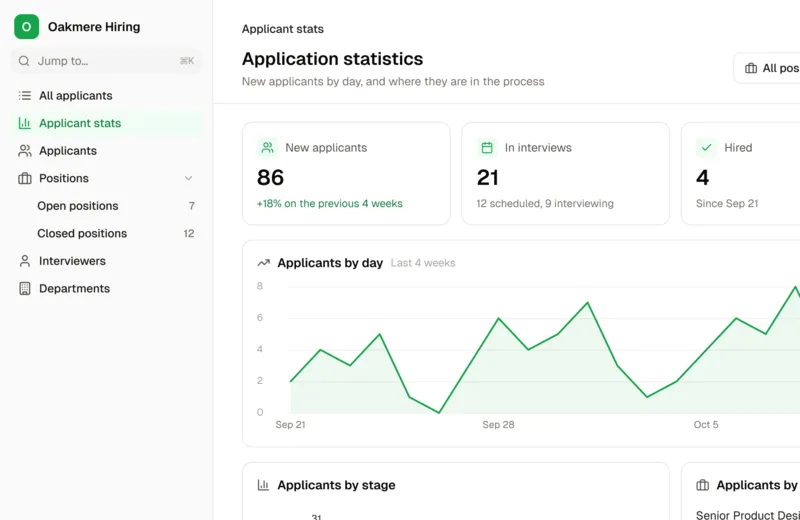
Create open positions, collect applications, assign interviewers, automate communication, and much more with a custom ATS.
 HR & Recruiting
Employee Development Resources App
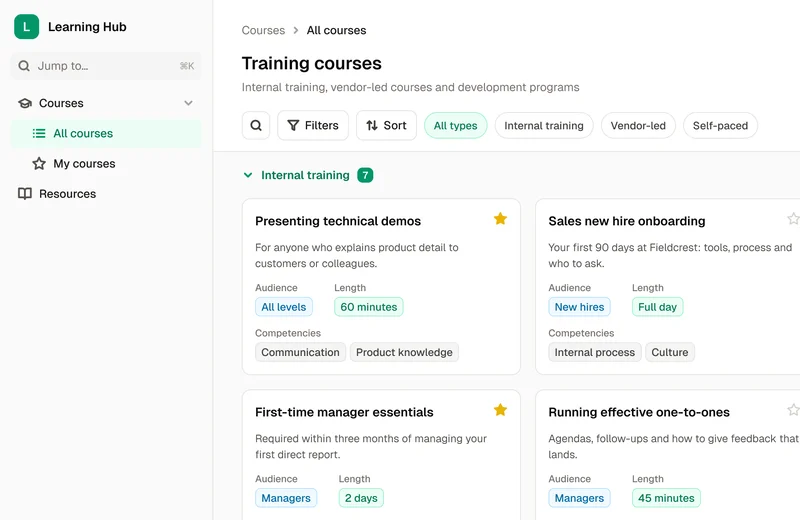
Transform your training processes, encourage career growth, and cultivate a culture of continuous learning and improvement.
 HR & Recruiting
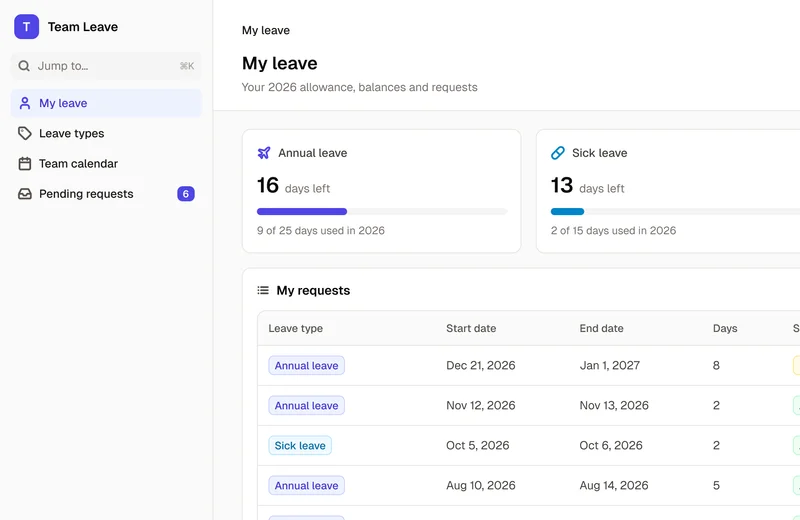
Employee Leave Tracker
Easily manage employee leave, track Annual, Maternity, Sick Leave, and more.
Build your portal today
Start free, connect your data, and invite your team.
No credit card required