
Template
Zoom Webinar Management App
Connect your Zoom webinars to Rowmesh and track every attendee's journey, from registration to engagement, in one simple, central place.
About this template
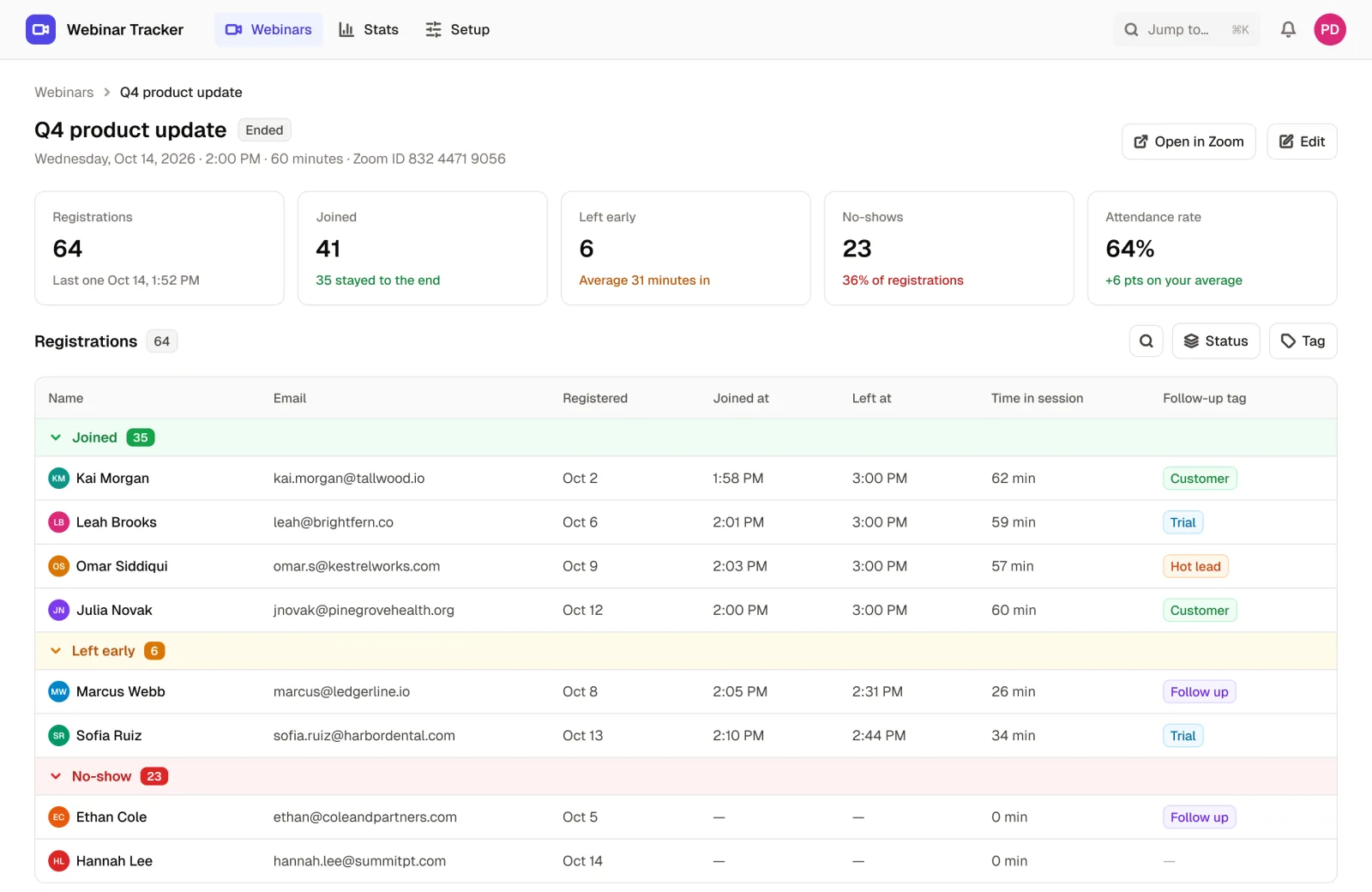
If you're regularly hosting webinars, whether for marketing, training, coaching, or onboarding, you know how quickly things get messy. Who registered? Who showed up? Who dropped off early?
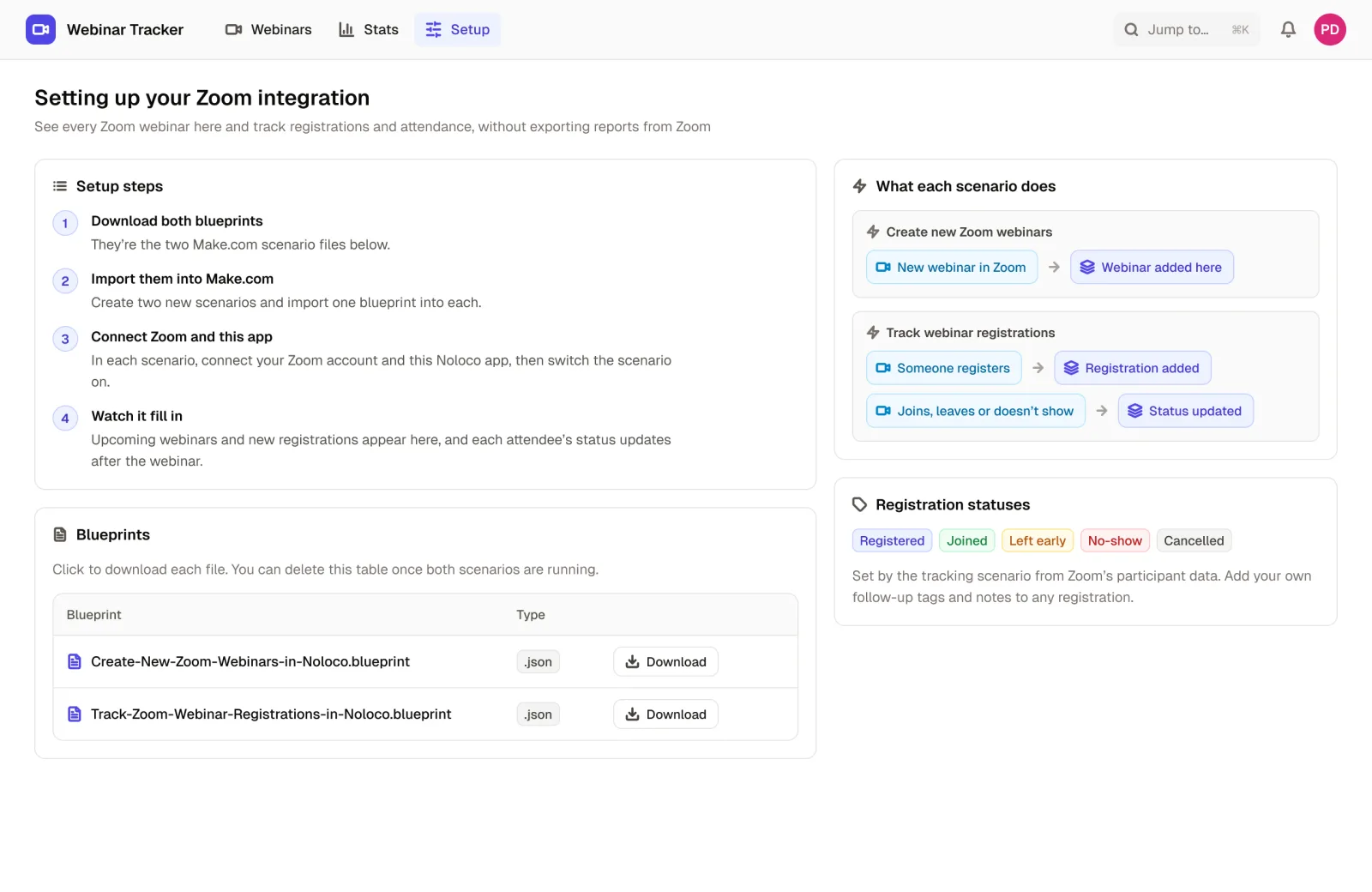
This Zoom Webinar Management template keeps it simple and seamless. With ready-to-use Make.com blueprints, you can automatically sync all your upcoming Zoom webinars and attendee data right into your Rowmesh app.
When someone registers for your webinar, they're added to your database. If they attend, leave early, or decline the invite, their status is instantly updated. This gives you full visibility into your audience's behavior, without juggling spreadsheets or waiting for Zoom exports.
Finally, a clean, customizable way to manage your webinars and get the insights you need.
Who it's for
This template is perfect for coaches and educators running regular group sessions, marketing teams hosting lead gen webinars, HR and L&D teams delivering internal training, and product teams doing customer onboarding or feature deep-dives.
If you use Zoom webinars to grow, train, or connect with your audience, this gives you the backend to track what's working.
What's included
- Database collections for webinars and attendees
- Ready-made Make.com automation blueprints to sync upcoming webinars from Zoom into Rowmesh, add new registrants when someone signs up, and update attendee status based on webinar participation (joined, left, no-show)
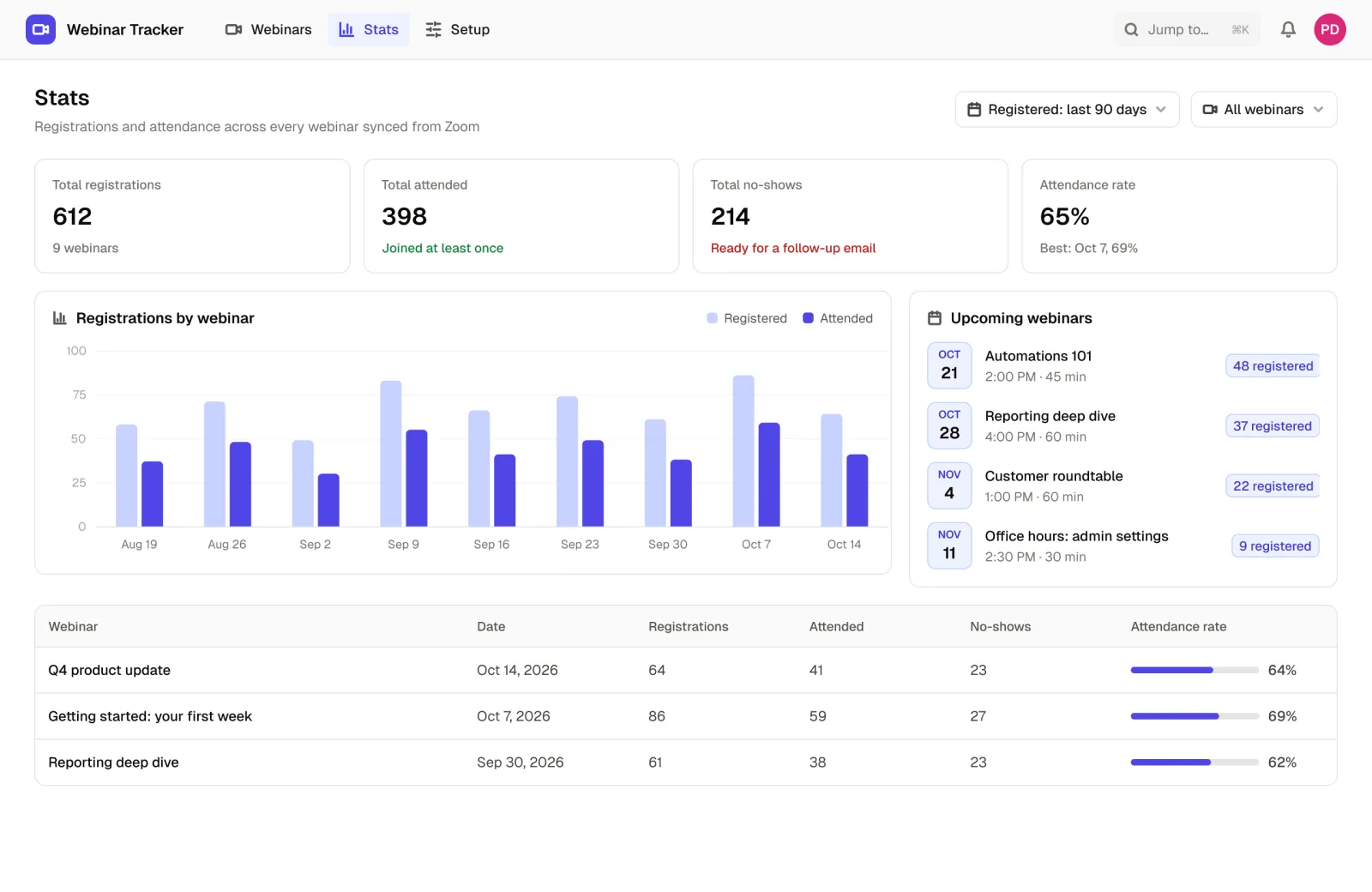
- Filters and dashboards to quickly see webinar performance and attendee engagement
- Optional: add custom tags or notes for follow-ups and engagement tracking
Why teams use it
- Eliminate the need to manually download and format Zoom attendee reports
- Get a clear, real-time view of who registered, attended, or missed your webinars
- Track engagement across multiple webinars and use that data for follow-ups
- Combine with your CRM or client data to enrich your attendee insights
- Automate the busywork using Make.com and spend more time engaging your audience
- Easily customize fields, views, and filters to fit your specific use case, with no code required
Ready to try the Zoom Webinar Management App?
Start from this template and connect your own data, or explore the live demo first.
More templates
 Coming soonEvent Planning
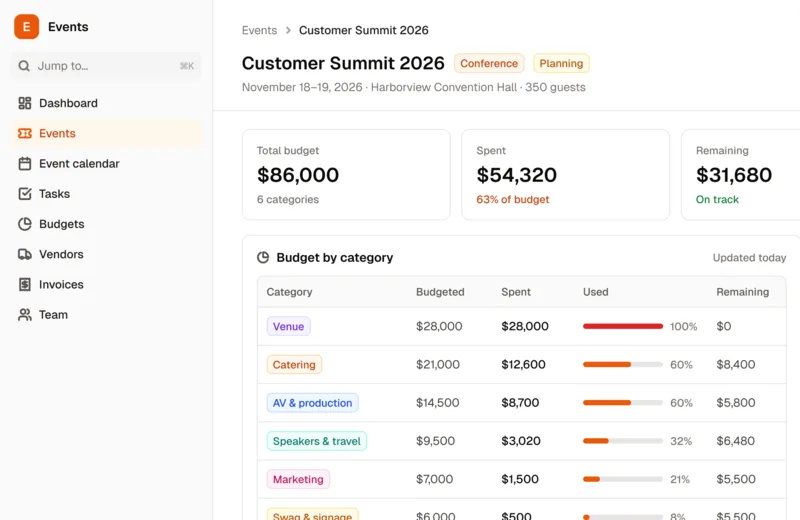
Event Planning & Budgeting App
Plan company events (big or small!) and keep everything within budget with this smart solution.
 Business
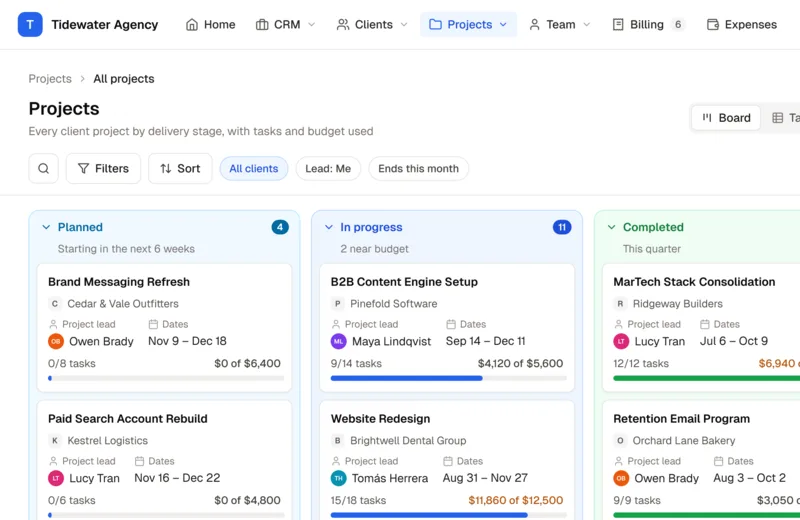
Agency Operating System
A ready-to-use, customizable Agency Operating System to run clients, projects, delivery, people, and finances in one connected system, so you stay in control as you scale.
 HR & Recruiting
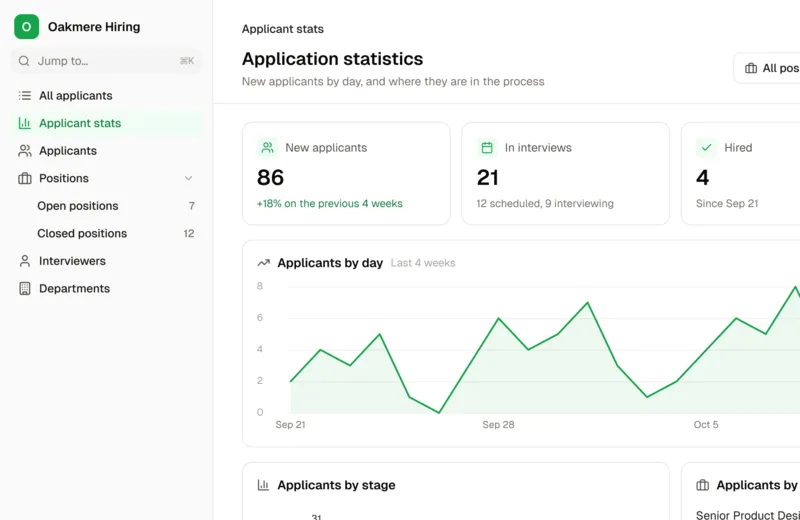
Applicant Tracking System
Create open positions, collect applications, assign interviewers, automate communication, and much more with a custom ATS.
Build your portal today
Start free, connect your data, and invite your team.
No credit card required